WIM App guide

3. App menu
Workout
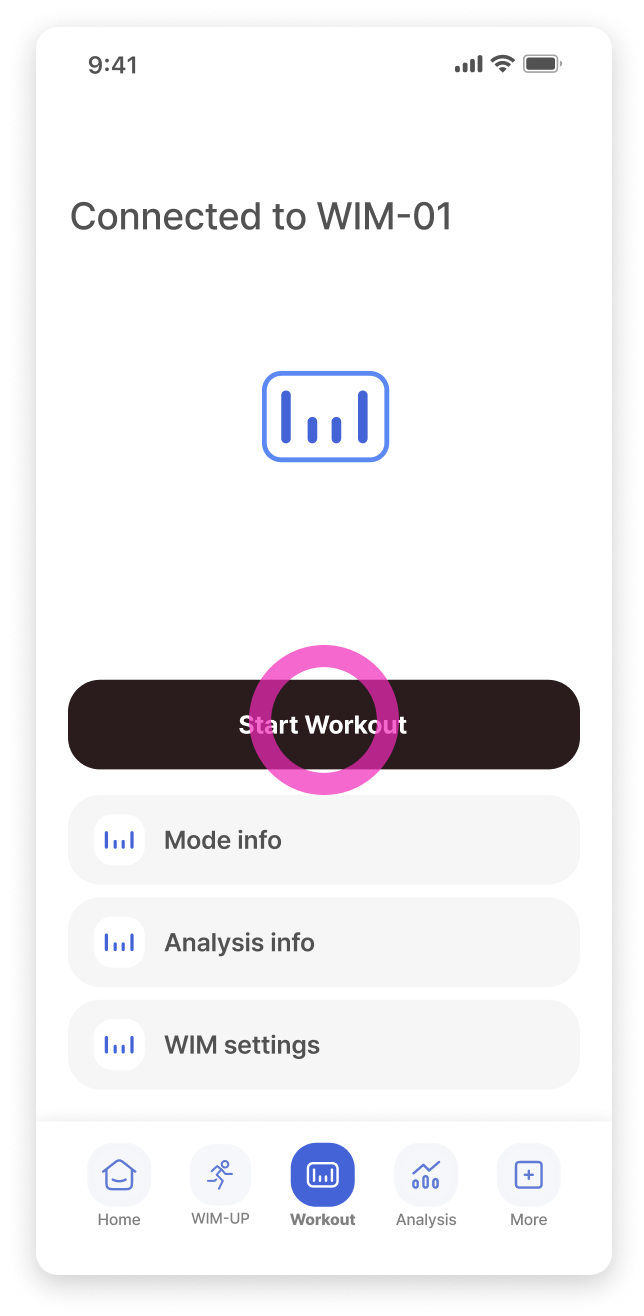
After wearing WIM and connecting to the app, tap the [Start Workout] button.
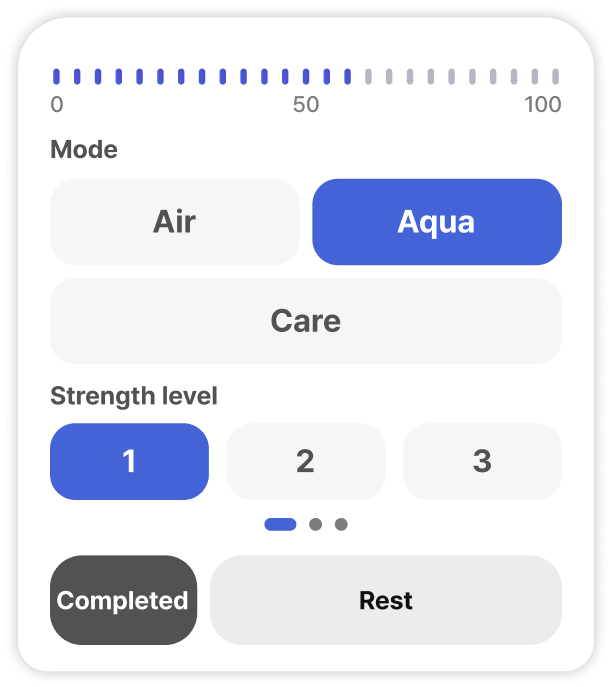
The workout starts in Rest Mode. Tap the mode/level button below the map to switch to your desired mode.
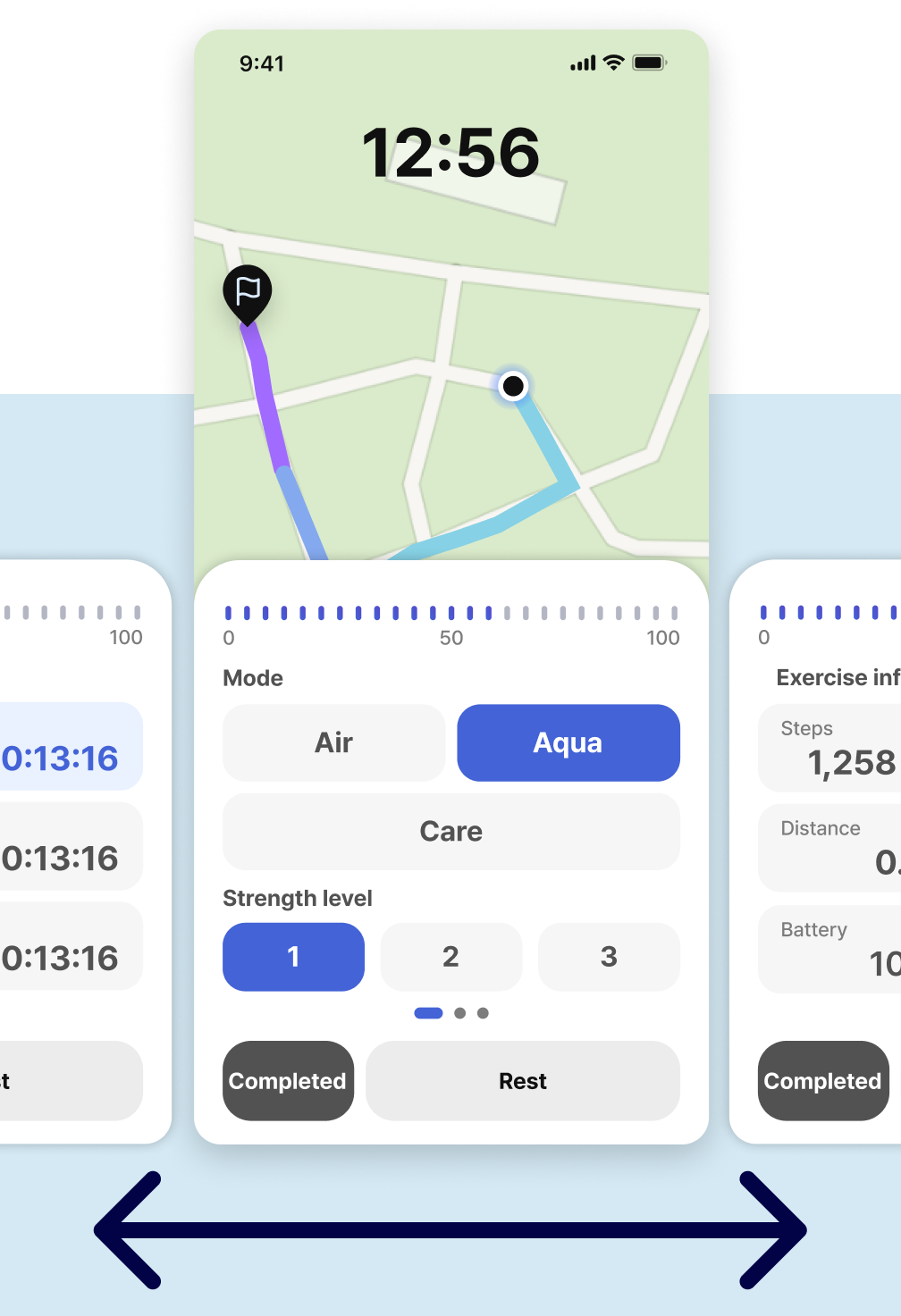
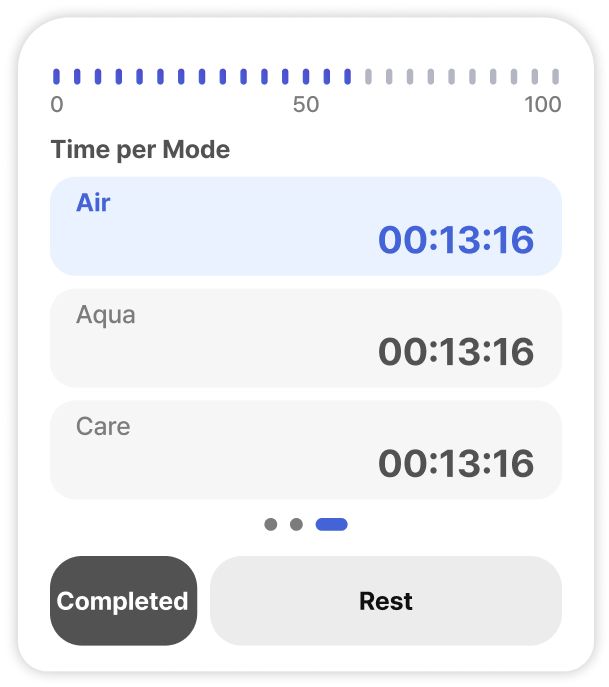
Swipe left or right to check workout details and exercise time for each mode.
Map
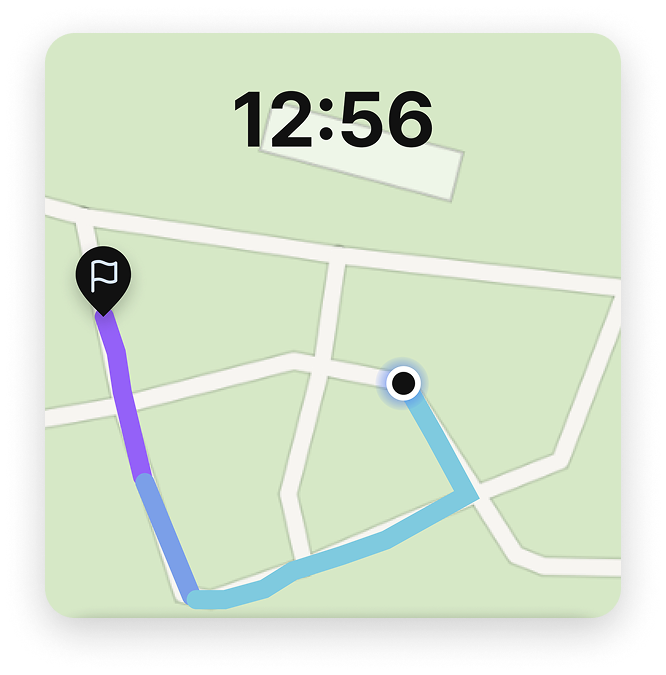
You can check your movement route on the map.
Start point
Current
Workout
Rest
Control panel
You can adjust the intensity by selecting your desired workout mode and strength level.
If you want to rest or end the workout, tap the [Completed] or [Rest] button at the bottom.
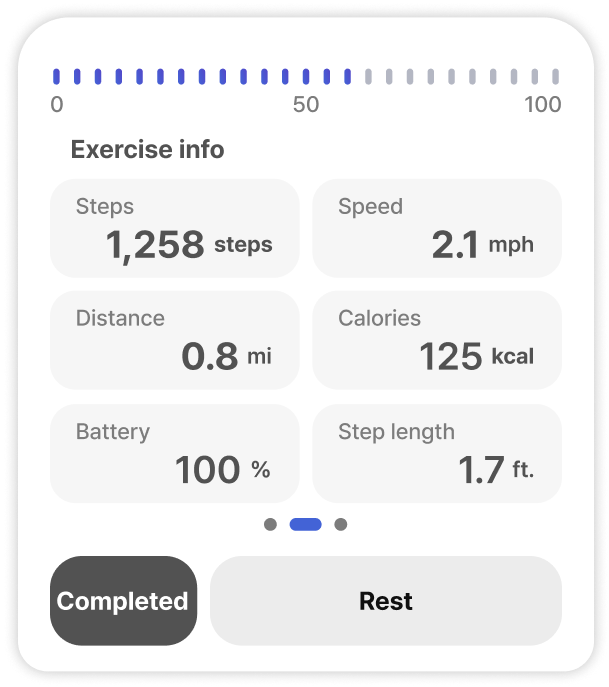
Exercise info
Exercise information is displayed in real-time.
Time by mode
The workout time for each mode is displayed separately.