WIM App guide

2. Workout
Connect to WIM
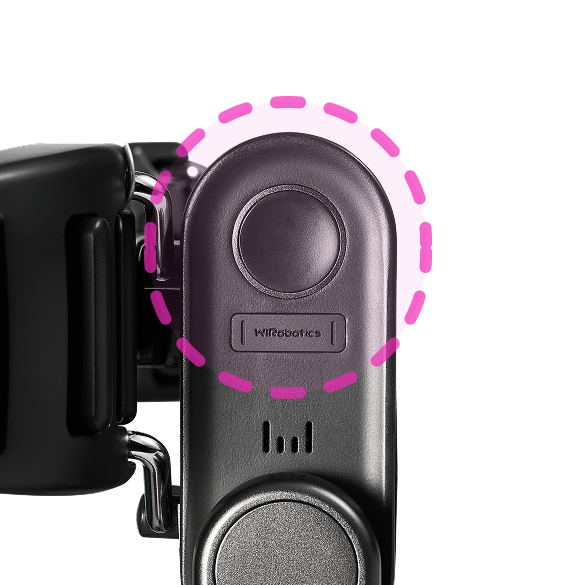
Turn on WIM to connect it to your phone.
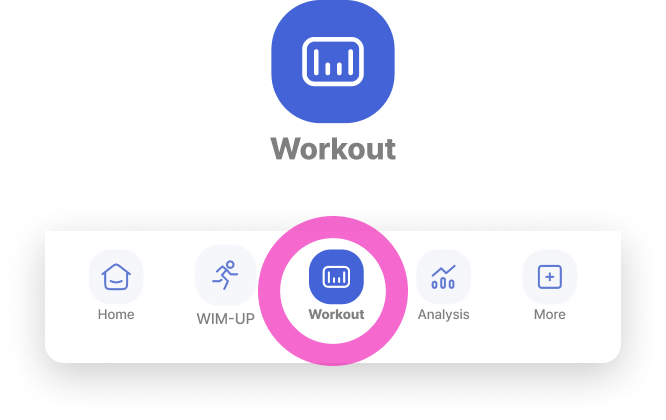
Open the app and tap [Workout] in the bottom menu.
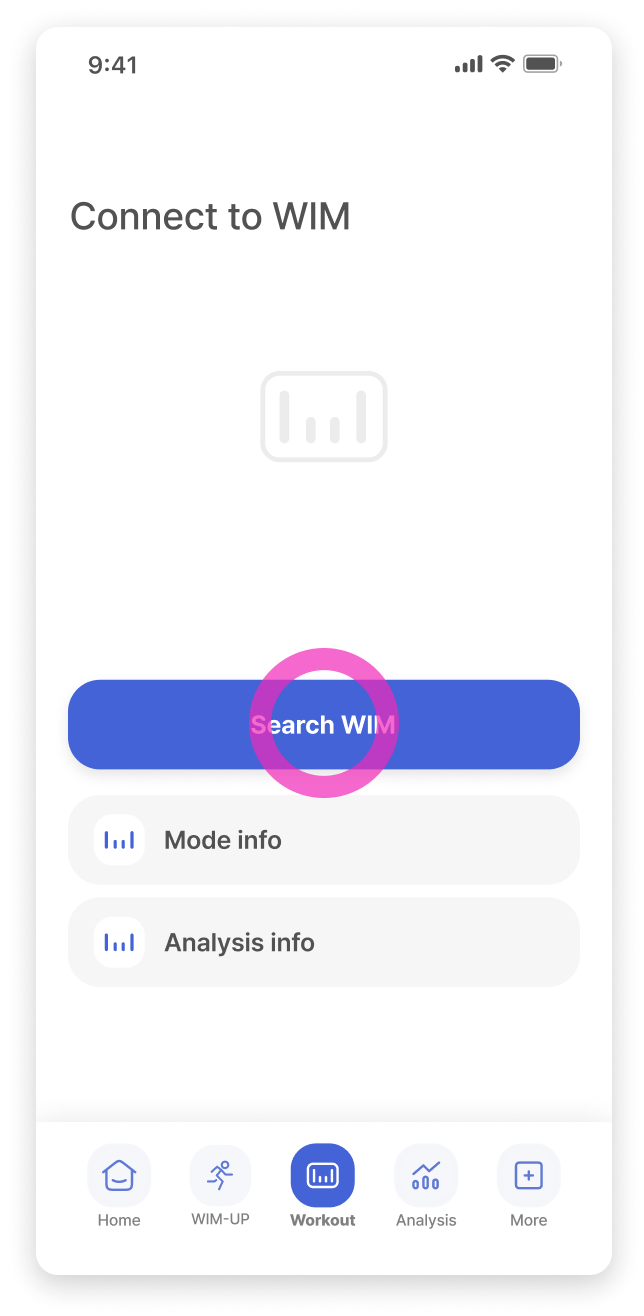
Tap the [Search WIM] button.
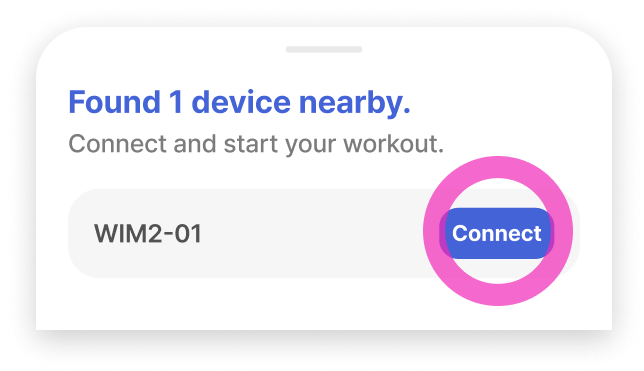
The nearest WIM will be detected. Tap the [Connect] button to pair.
Can't find the device?
Check if [System Settings > Bluetooth] is turned on.
After the connected, you can start your workout and adjust settings.
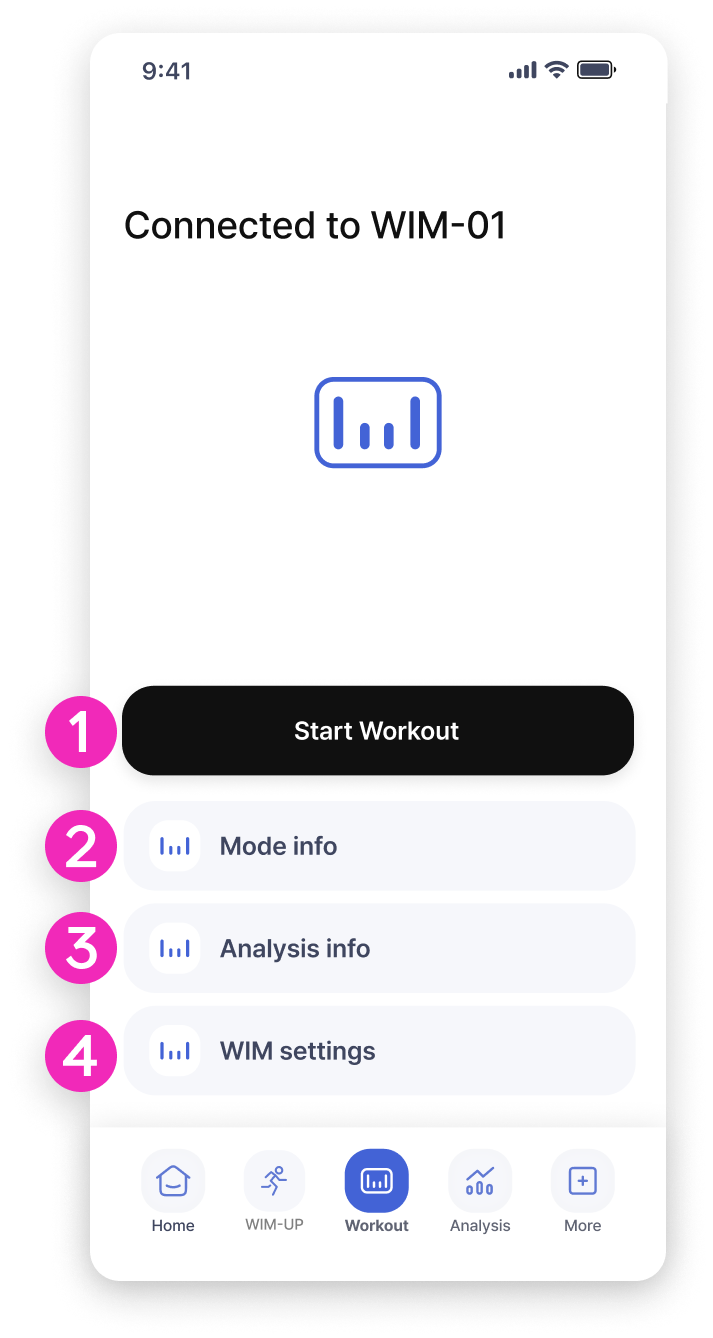
Start Workout
You can exercise indoors with WIM, but outdoor workouts also allow you to track your route. Adjust the mode and strength level as needed for your workout.
Mode info
You can view detailed information about the workout modes provided by WIM.
Analysis info
There are five workout criteria to view your walking score and analysis results. Check them out!
WIM settings
You can set the WIM name, volume, and auto-skip for WIM-UP programs.